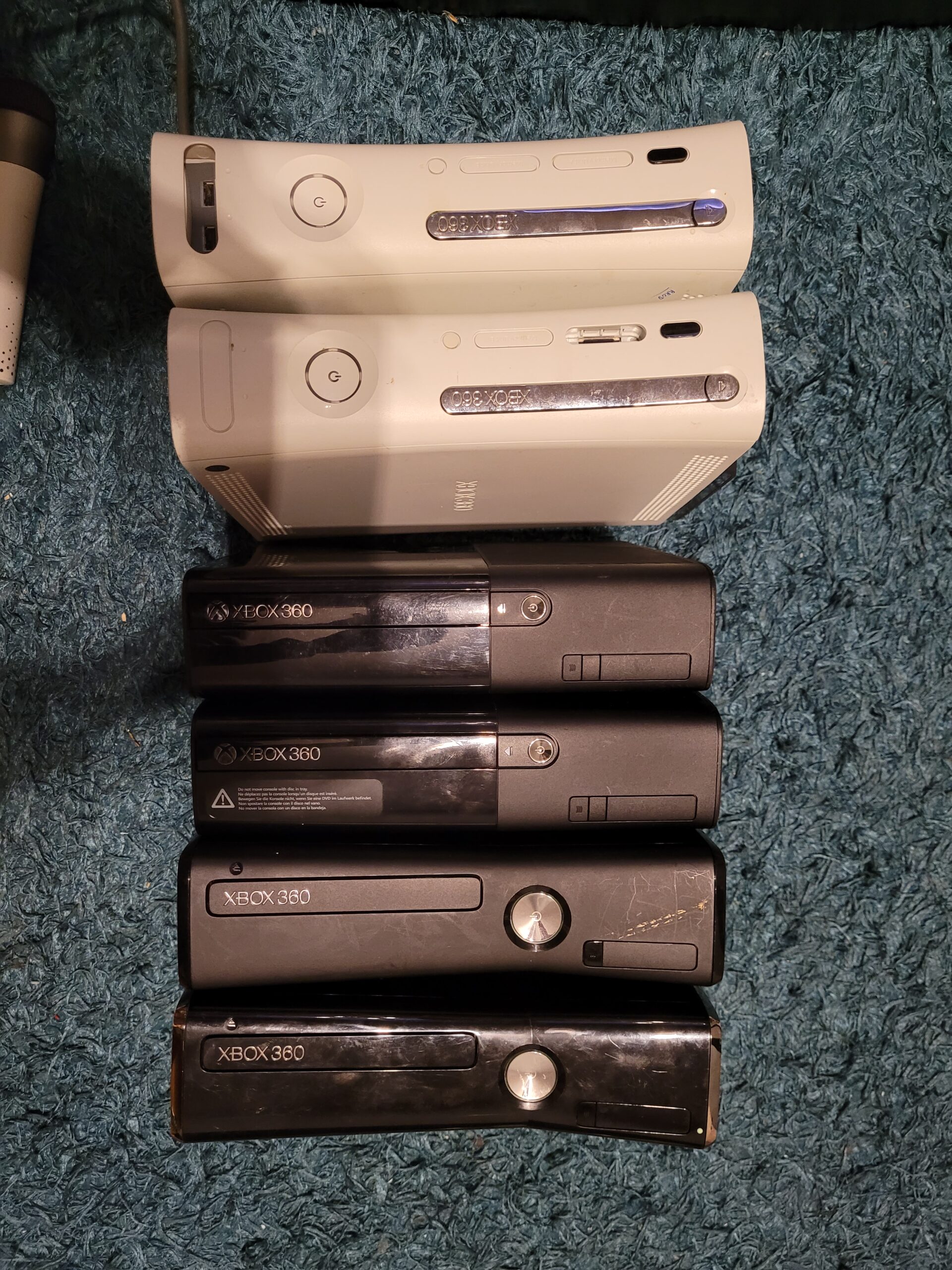
This is my way of getting the usb working and setup. Screenshot heavy as im all for idiots guides. Tested this multiple times on all consoles.
Make sure you’re running a storage unit direct to xbox, whether it’s official hdd or usb converted to storage unit. If you do the usb storage unit that needs to be independent to the bad avatar USB.
Ensure your console has the Avatar update data. If you don’t have an HDD, you may need to install the official offline System Update 17559 on a formatted USB. Don’t use LIVE to update, just in case Microsoft decides to patch this.
Download the latest BadBuilder you may need .Net 8.0 links below. Extract it to a temp directory, my example “C:/temp/BadXbox/”
https://github.com/Pdawg-bytes/BadBuilder/releases
https://dotnet.microsoft.com/en-us/download/dotnet/8.0
Run BadBuilder
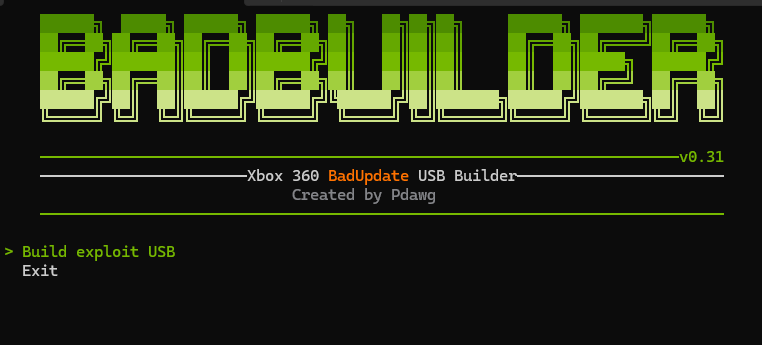
Select the first option.
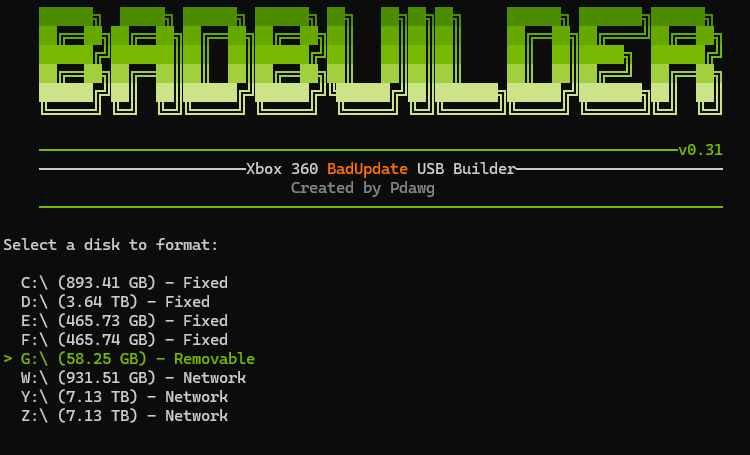
Select your USB drive you are using. I sometimes had errors in format. If that’s the case format it in Windows with default and try again.
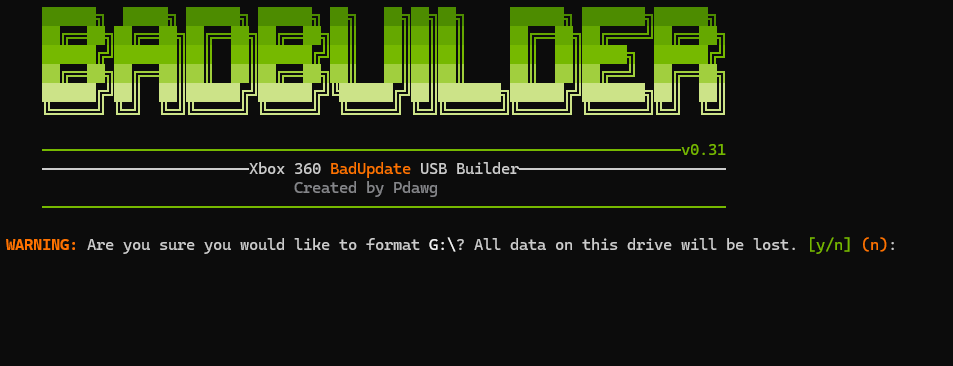
Double check correct drive, and if so, press y then enter.
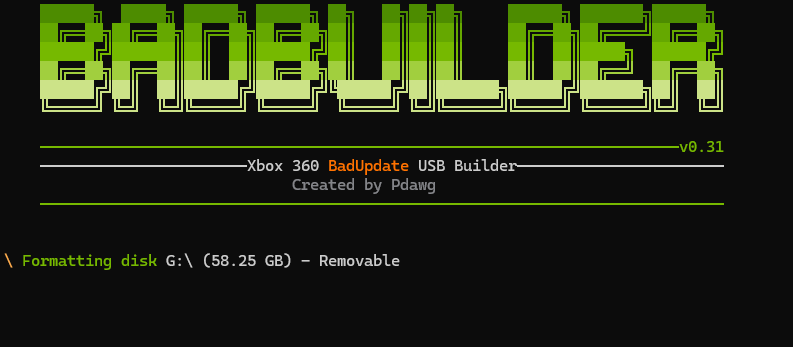
Let it run their format.
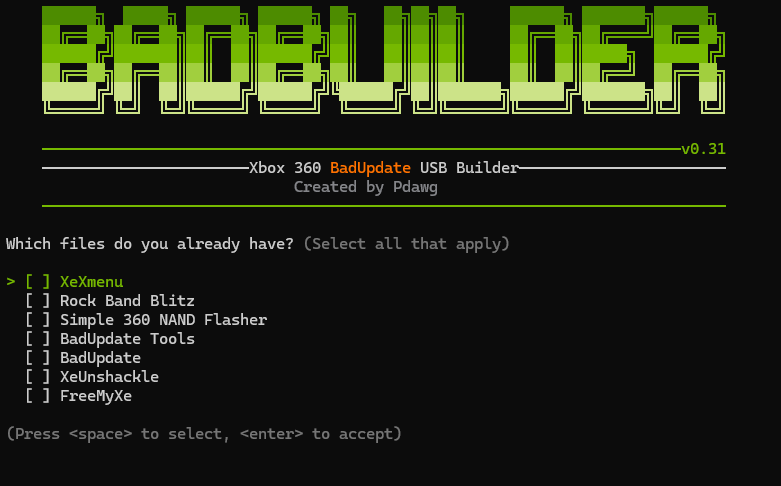
This screen just press enter.
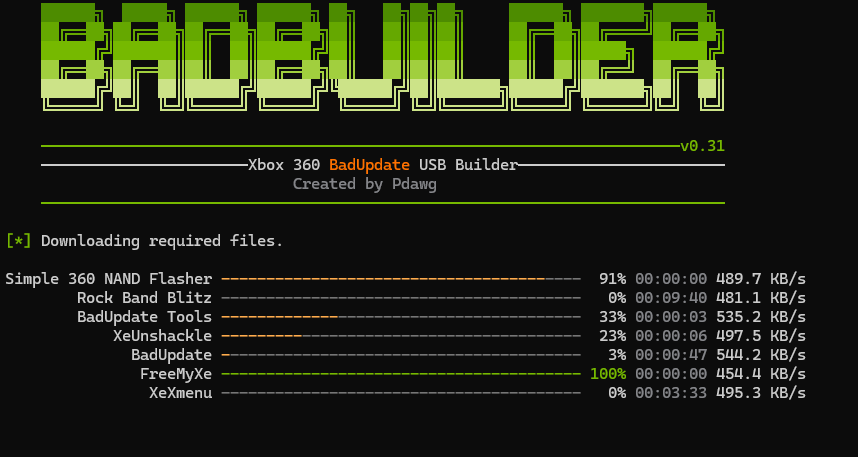
It will download all files for BadUpdate (Rock Band exploit)
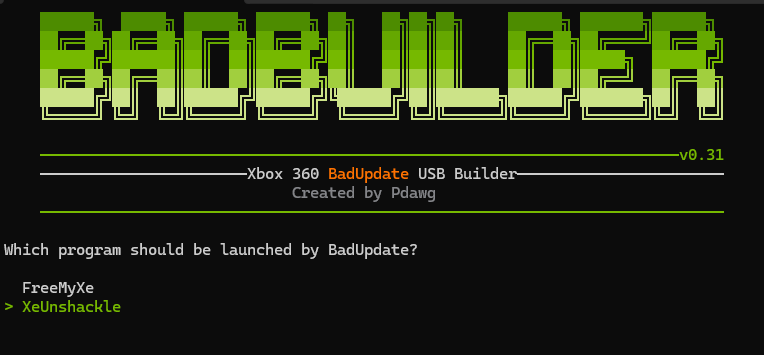
Select XeUnshackle press return.
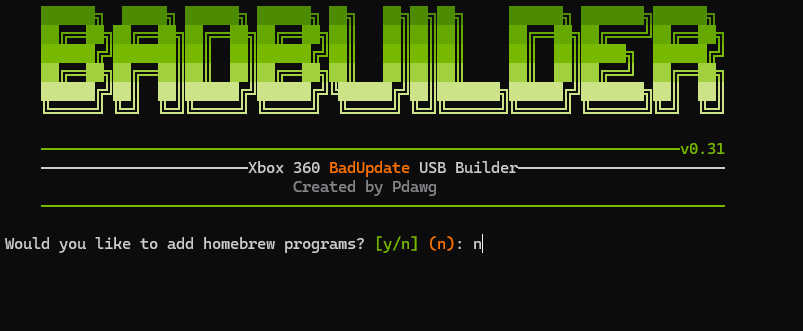
No for homebrew press return.
Leave USB plugged in.
Download BadStick link below and extract to “C:/temp/BadXbox”
https://github.com/32BitKlepto/BadStick/releases
Run BadStick, it doesn’t have to be as Administrator as we are not formatting.
On loading, click Dashboards / Launches and select Aurora. You can add more, but we are just doing it small and focusing on that.
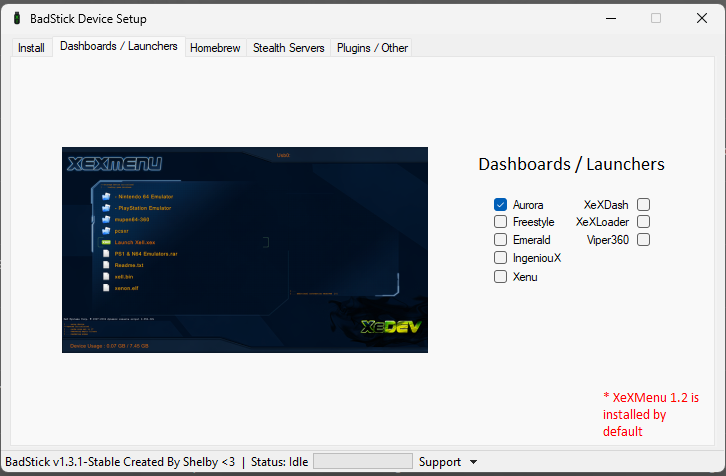
Click Plugins / Other next and tick General Plugins
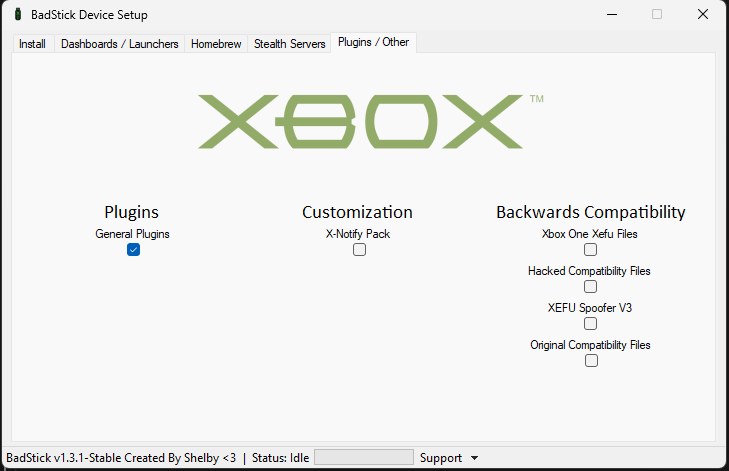
Now click Install tab and select BadAvatar and Skip Format as below then click Start as long as correct usb is selected in Dropdown mine was G: BadBuilder named it BADUPDATE
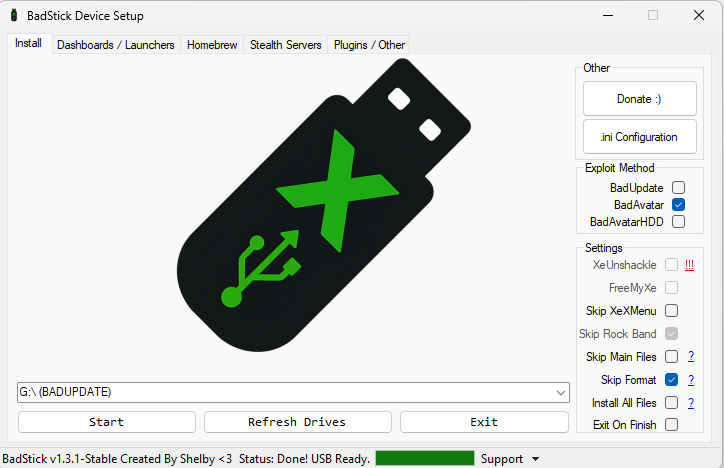
It will download the files you selected and extract them to the USB.
Once completed click OK then .ini Configuration
On the next screen click Open then select your USB drive and find the launch.ini
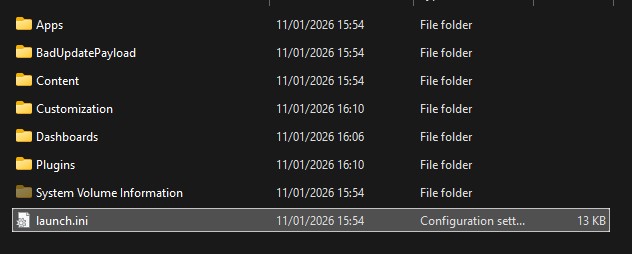
Open the file and edit the lines below to match. The plugins is a tidy and adds the additional ones.
Default = Usb:\Dashboards\Aurora\Aurora.xex

[Plugins]
plugin1 = Usb:\Plugins\JRPC2.xex
plugin2 = Usb:\Plugins\RPC.xex
plugin3 = Usb:\Plugins\xbdm.xex
plugin4 = Usb:\Plugins\XDRPC.xex
plugin5 = Usb:\Plugins\XRPC.xex
Save the ini and eject. Pop in the xbox, and you should be all good. I have added a zip of the USB but use that as last resort, but it must be xbox360 formatted then extracted